
AudioMap 2 is out
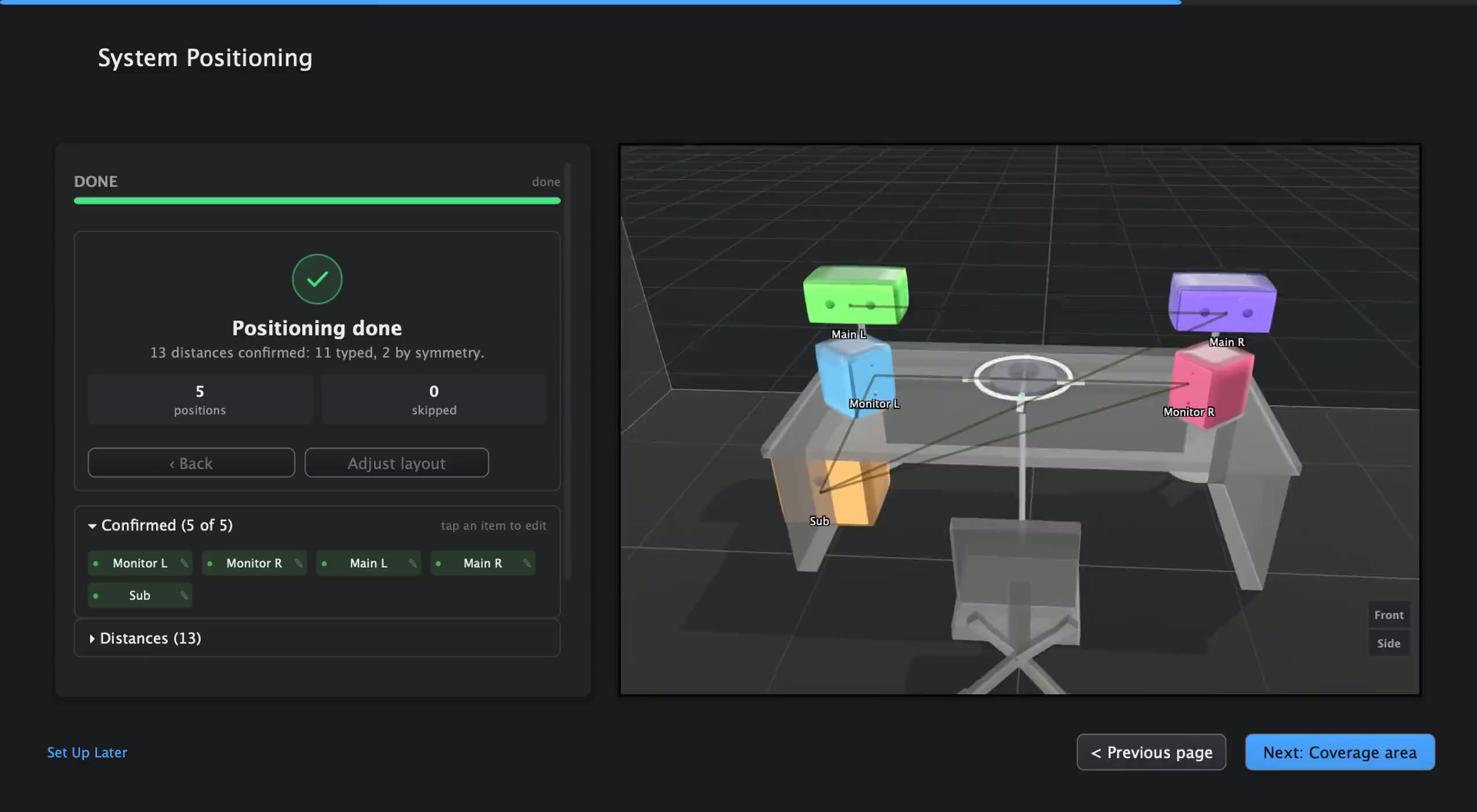
AudioMap 1 measured your system. AudioMap 2, out today, takes you the rest of the way: it guides you from speakers in a room to an aligned, corrected system, and plays that correction on everything you listen to. It works the same way for a desk pair, a living room, a studio or a PA.
It does that in four stages.
Set up. Tell AudioMap about your sound system, starting from a preset close to it. AudioMap measures each speaker, works out where everything sits, and shows you the layout to confirm.
Measure. Walk the mic around your coverage area. Auto-capture takes each spot as you hold still, and the heatmap shows you how your speakers cover the room.
Align and correct. From your measurements, AudioMap sets each speaker’s delay and polarity, suggests the crossovers with the predicted sum, and fits a correction to the positions you choose.
Listen everywhere. Turn on Correction in AudioMap Control, in the menu bar, and everything your Mac plays goes through it. AudioMap Plugin 2.0 plays the same correction in your DAW, or you can hand it to the processor that runs your sound system.
AudioMap 2 is a free upgrade for every AudioMap 1 owner, with a fresh 12 months of updates counted from the day AudioMap 2.0 is released, and your AudioMap 1 projects open in it. Update from inside AudioMap 1.9, or download the installer. It runs on macOS 13 or later on a Mac with Apple silicon.